
Signal Blocks Siri AI, Gemini From Its Chats
Signal said on Nov. 20 it is blocking AI agents built into iOS 27 and Android from capturing its chats, via a "Block Siri AI" setting and automatic "Screen security," and asked Apple, Google and Microsoft for a documented per-app opt-out from AI data access.
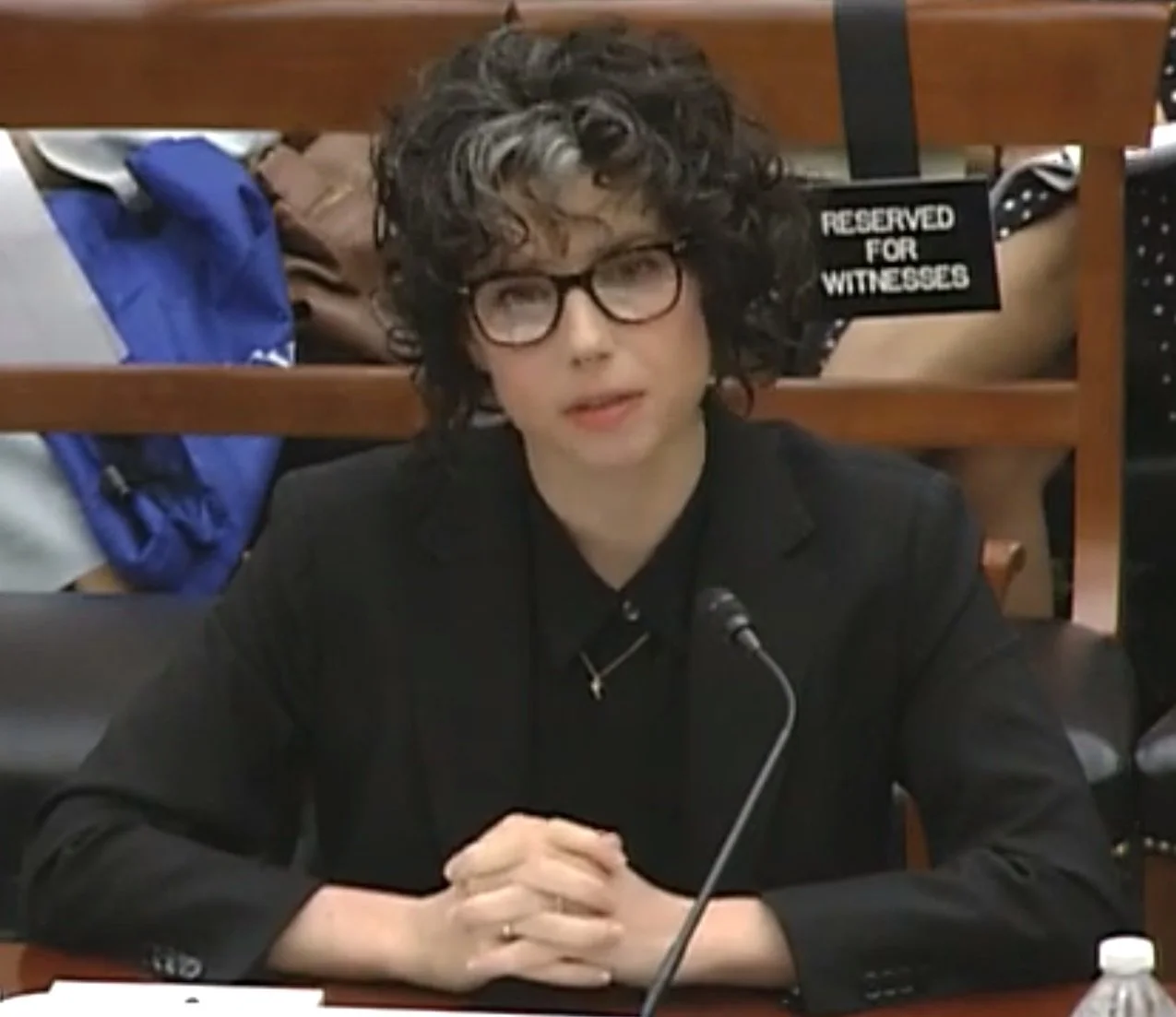
Signal said on Friday, Nov. 20, that it is blocking the AI agents built into Apple's and Google's mobile operating systems from capturing chats in its messaging app, and called on Apple, Google and Microsoft to give developers a simple way to opt out of AI data access. Signal President Meredith Whittaker announced the change in a post on the company's blog.
Key takeaways
- On iOS 27, Signal now blocks screenshots inside the app through a setting labeled "Block Siri AI."
- On Android, Signal turns on its "Screen security" setting automatically when it detects an AI assistant trying to read the screen.
- Signal says it cannot offer the same protection on macOS and is asking OS makers for a documented per-app opt-out.
How Signal blocks Siri AI and Gemini screen reading
Operating-system agents such as Gemini Intelligence on Android and Siri AI's Onscreen Awareness on iPhone work by scanning what is on a user's screen, Signal said. Once message content is captured that way, it can be stored and passed to whatever local database or remote server the agent uses, outside Signal's control.
Signal's answer is to stop the capture at the source. On iOS 27 the app prevents screenshots, and the protection appears in settings as "Block Siri AI." On Android, it enables "Screen security" when it detects an assistant reaching for the screen. Users who need screenshots can switch the protection off, but Signal warned that doing so may expose their own and their contacts' messages to AI agents.
Limits on Android and macOS
Signal was candid that the fix is partial. Many Android builds from phone makers other than Google do not give it a reliable way to detect such access, and screenshot blocking does nothing against agents that read app data through the filesystem.
On Macs, Signal said it cannot reliably block screenshots at all. Its only advice for macOS 27 users is to add Signal manually under System Settings > Siri > Excluded Apps. Signal also said it spent months on forensic investigation across Android and iOS to understand what these agents do with app data, because documentation is lacking.
What Signal wants from Apple, Google and Microsoft
Signal made two requests. First, developers should get an easy, documented way to opt an app out of AI data access, covering screen reading, filesystem access, notifications, APIs and other OS frameworks. Second, OS makers should publish clear technical specifications on how their agents access and process data. Signal said confidential computing is "not a complete solution."
The company also flagged third-party agents such as Meta's Muse, which it said rely on accessibility permissions that users are nudged to grant during setup, turning a tool meant for people into "a skeleton key" for AI. Muse's broad access has drawn scrutiny before, including a setting researchers showed could be abused by attackers.
Context: from Recall to Siri AI
This is Signal's second such move. On May 21, 2025, it turned "Screen security" on by default in Signal Desktop for Windows 11 to keep Microsoft Recall from storing screenshots of chats, using a DRM flag Microsoft documents for that purpose.
Apple has already given users some control. The Electronic Frontier Foundation reported on Oct. 28 that iOS 27.2 added an "Excluded Apps" list for Siri AI, which also disables onscreen awareness inside excluded apps. Gemini on Android still lacks a per-app screen-context switch, the EFF said. Signal's point is that such controls sit with users, not developers.
What's next
Signal said it is "cautiously optimistic" that Google and Apple are engaging with it on how agents should treat privacy-sensitive apps, and expects to share more soon. Whittaker described OS-level agents without these safeguards as "an existential threat to privacy at the application layer." Whether Apple, Google or Microsoft ship a developer-level opt-out is the next thing to watch.
FAQ
Do Signal users need to do anything? On iOS 27 and supported Android devices the protection is on automatically. Mac users should add Signal to Excluded Apps in System Settings > Siri.
Can I still take screenshots in Signal? Yes, by turning the protection off in Signal's settings, though Signal warns this may let AI agents read your chats.
Does this affect Signal's encryption? No. Messages remain end-to-end encrypted; the change addresses what happens after they are decrypted and shown on screen.
References
- Signal is Serious About Protecting Your Privacy — Signal (Nov. 20, 2026)
- By Default, Signal Doesn't Recall — Signal (May 21, 2025)
- Victory! You Can Now Exclude Apps from Siri AI — Electronic Frontier Foundation (Oct. 28, 2026)
Editor responsible for AI Newsway. Writes about AI, developer tools, cloud and productivity technology.



Comments 0
Comments are currently disabled.